

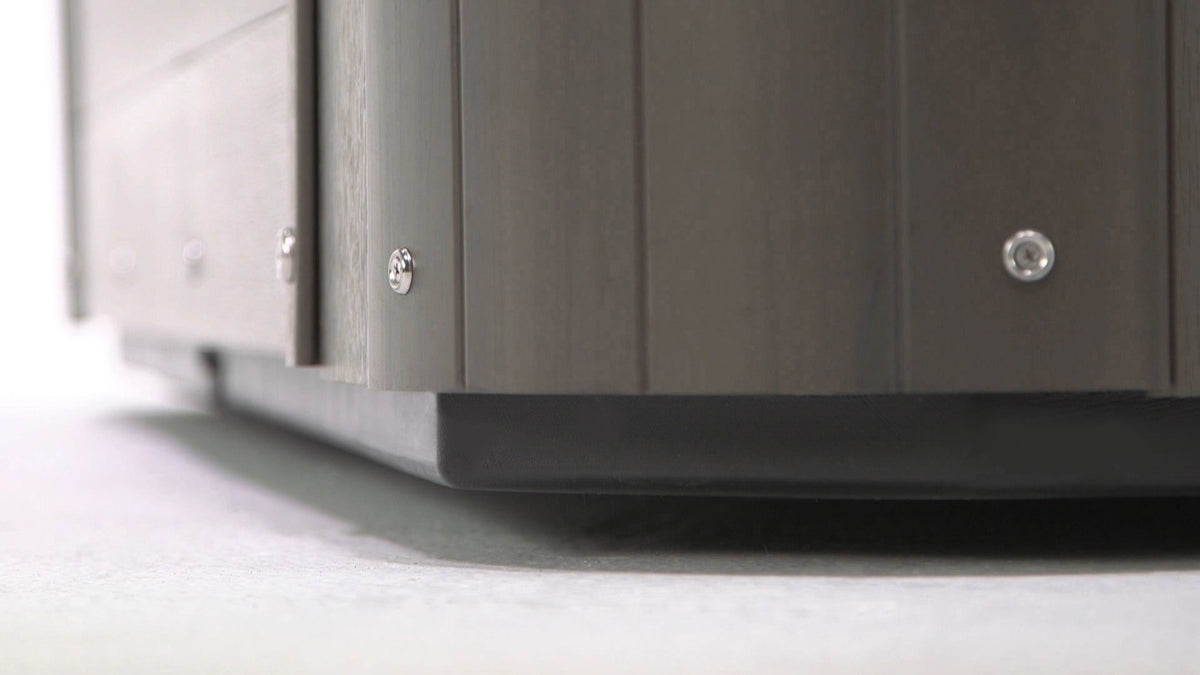
Locate the silver button.
Find the silver Bluetooth button on the exterior cabinet of your hot tub.
-
Activate pairing mode.
Press the silver button. When you hear a beep, the hot tub’s stereo is in pairing mode and ready to connect. -
Turn on Bluetooth.
Open the Bluetooth settings on your phone, tablet or other compatible device. Your device will automatically begin searching for nearby Bluetooth devices. -
Select “BlueAudio.”
When BlueAudio appears in the list of available devices, select it. -
Enter the pairing code.
If your device asks for a pairing code, enter 0000. -
Start listening.
Once your device shows that it is connected, open your favorite music or audio app and start playing. The sound will play through your hot tub’s Bluetooth stereo.
Having Trouble Connecting?
If BlueAudio does not appear in the list of available devices, confirm that the stereo is still in pairing mode and move your device closer to the hot tub. You can also turn Bluetooth off and back on, then repeat the steps above.
Still need help? Contact the MyHotTub Customer Service team at (877) 694-6888.
Now choose your favorite playlist, settle into your hot tub and enjoy the perfect soundtrack for your soak.


Share:
What is a Hot Tub Base Upgrade?
How to Make Your Hot Tub More Energy-Efficient